PROFESSIONAL ECU FILE SERVICE PLATFORM

Your tuning workflow.
One professional platform.

Create, manage and download tuning files with Automatic File, Handmade File, DTC Off and technical tools inside one secure workspace.

01

File servicesAutomatic & engineer-made

02

Technical toolsPower Gain & code lookup

03

Connected supportFiles, tickets & live chat
app.fileserviceplus.com SECURE
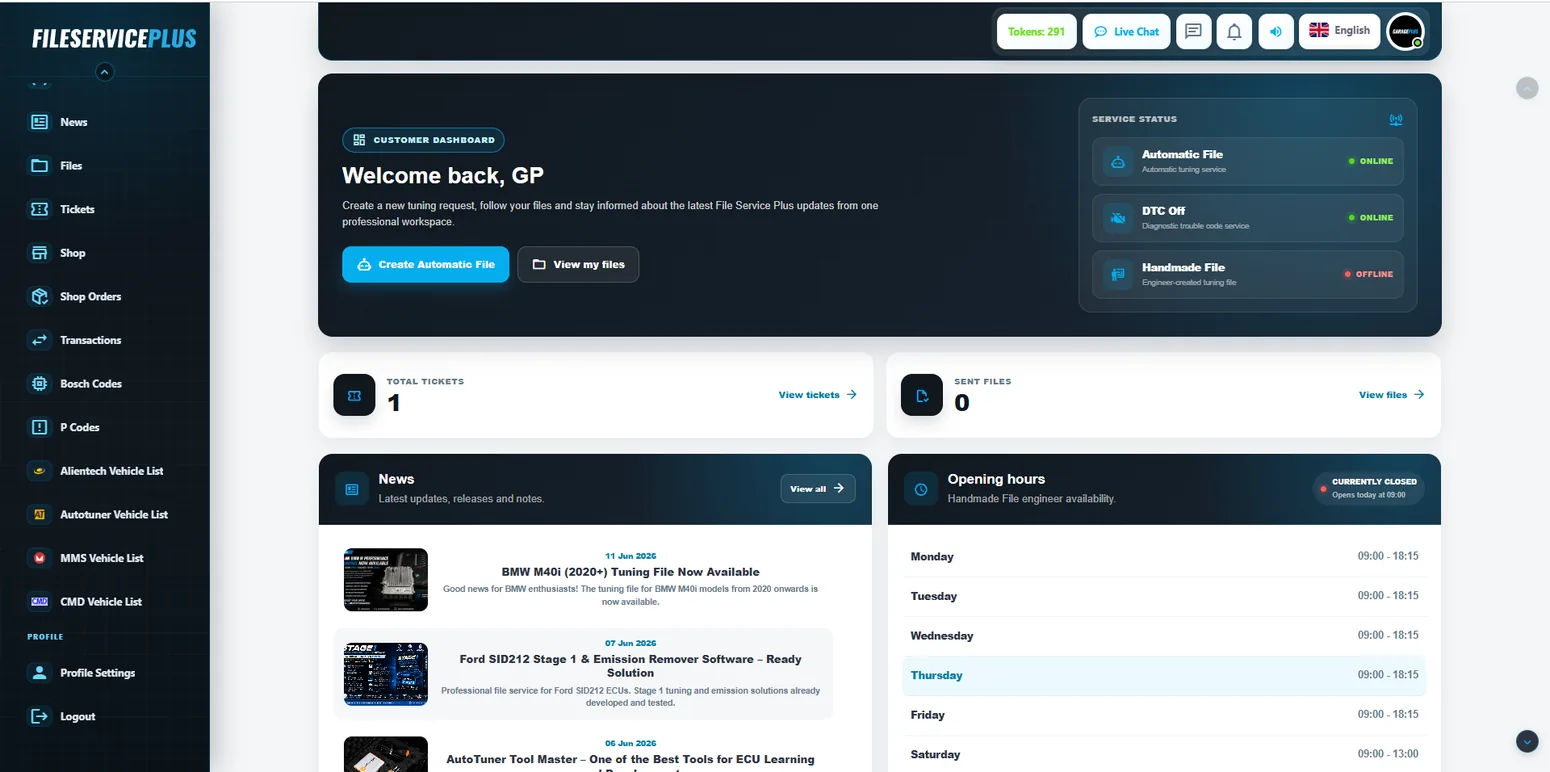
File Service Plus customer dashboard
ONE WORKSPACEFiles, tools & support
Automatic + HandmadeThe right route for each job

Secure workspaceManage your workflow in one account

Direct supportTickets and live communication

Professional toolsPower Gain, Bosch & P Codes

FILE SERVICES

Choose the workflow that fits the job.

File Service Plus brings direct processing and engineer-created file work together inside the same customer portal.

ENGINEER FILE SERVICE

Handmade File

CUSTOM

For tuning requests that need individual engineering work, specific options or a more personal file approach.

Custom file requestEngineer workflow
Create free account
DIRECT FILE WORKFLOW

Automatic File

24/7

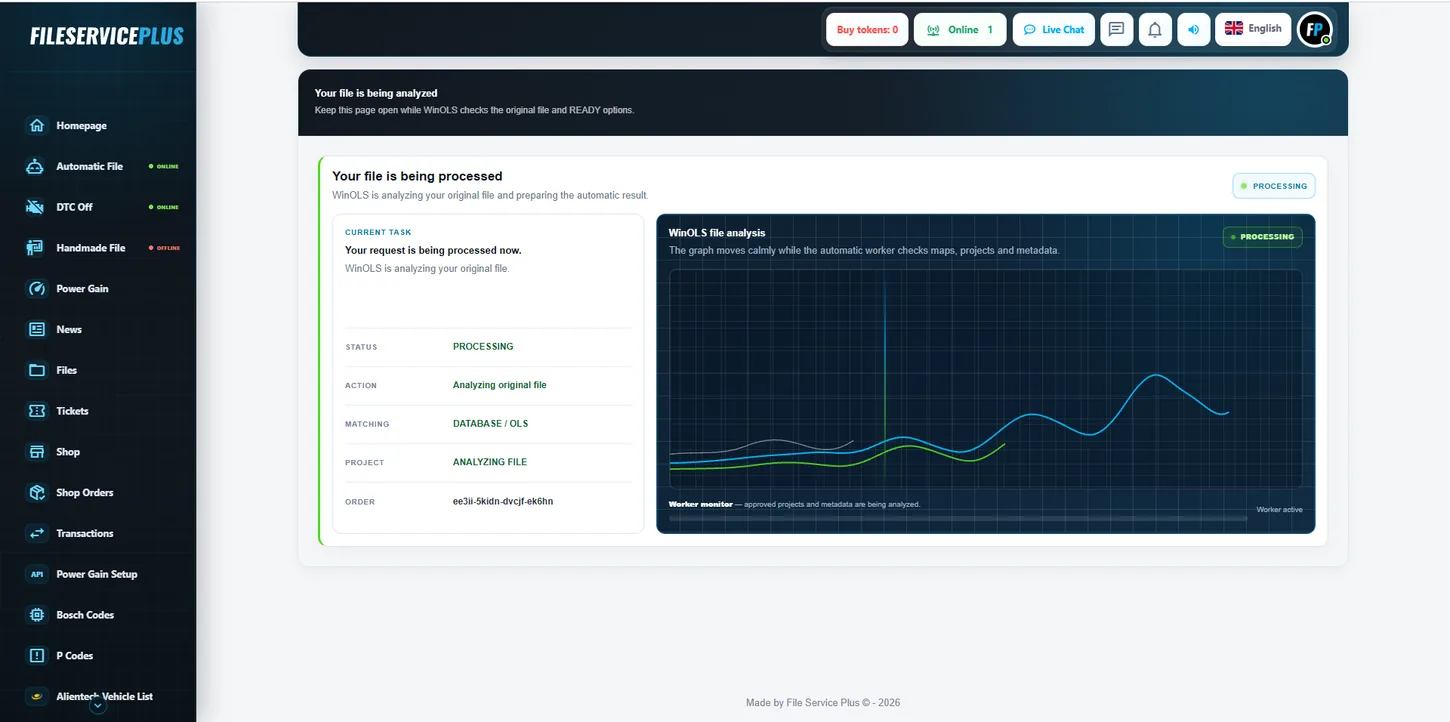
Upload an original ECU file and use the automatic route when a verified READY solution is available.

Automatic analysisDirect READY workflow
Open the platform
DEDICATED DTC WORKFLOW

DTC Off

DTC

Upload the original ECU file, choose the correct ECU and continue through the dedicated DTC Off process.

ECU selectionTargeted DTC removal
Start in portal
THE CUSTOMER PORTAL

A platform, not just an upload form.

Keep file services, downloads, tools, news and support connected to one professional File Service Plus account.

One clear workspaceFiles, orders and support stay together.

Real file workflowsFrom upload and analysis to result and download.

Built for daily useThe public website and the app share one design language.

Create free account
File Service Plus customer dashboard
AUTOMATIC PROCESSING File Service Plus automatic file processing screen
HOW IT WORKS

From account to finished file in one familiar workflow.

Create free account
1
Create your account

Open one File Service Plus workspace.

2
Choose your service

Automatic File, Handmade File or DTC Off.

3
Upload your ECU file

Follow the relevant workflow inside the portal.

4
Manage & download

Keep completed files and support connected to your account.

PROFESSIONAL TOOLS

Useful tools live in the same workspace.

No “plugin” language. These are practical File Service Plus tools that support the file-service workflow.

Power Gain module
VEHICLE DATA

Power Gain

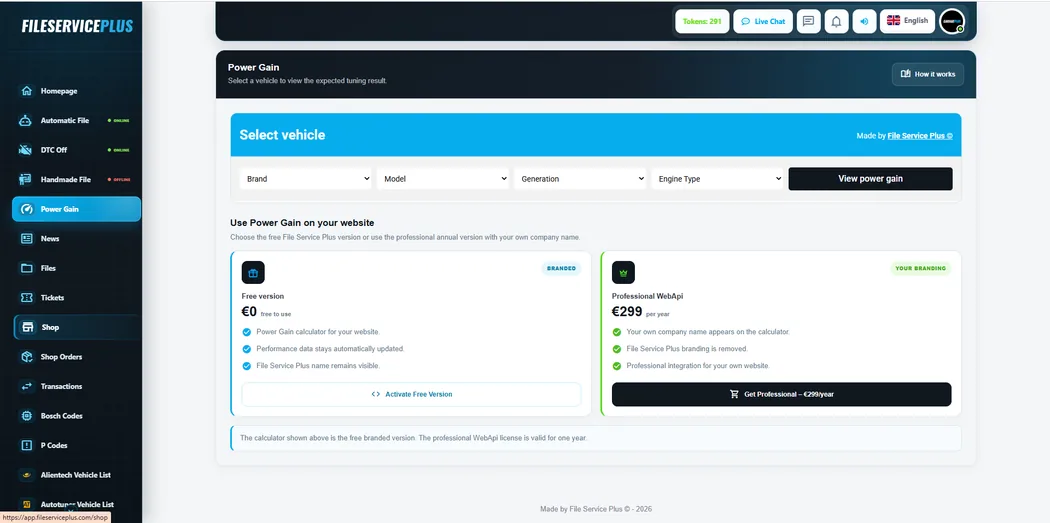
View expected tuning results and access the File Service Plus Power Gain tools.

View Power Gain
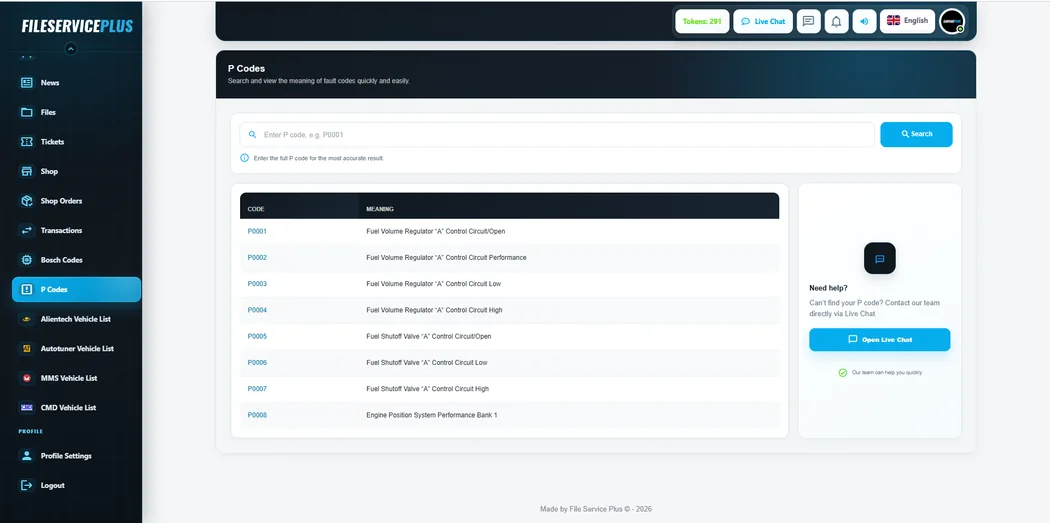
P Codes lookup inside File Service Plus
CODE LOOKUP

Bosch & P Codes

Quick code references are available directly inside the same customer portal.

Login to portal
File Service Plus News
UPDATES & SUPPORT

News, Tickets & Live Chat

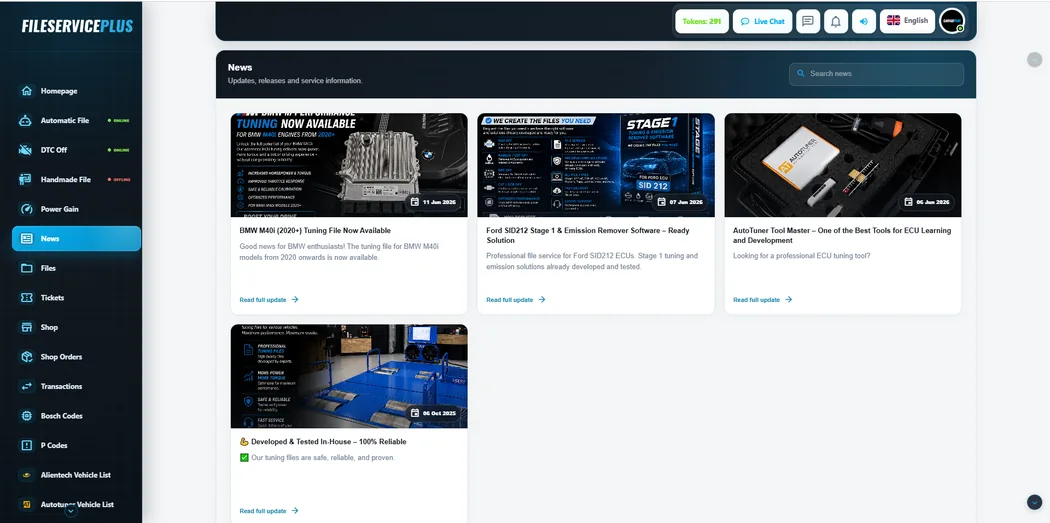
Stay informed and keep questions connected to your account and file history.

Open portal
PLATFORM ACTIVITY

Recent file transfers

A compact continuation of the existing Recent File Transfers block.

EGR OFF BMW X5 3.0d 2020 File transferred on 13-08-2026
DPF OFF Jaguar XE 2.0d 2019 File transferred on 13-08-2026
Car Tuning (Stage 1) Land Rover Discovery 2.0 TD4 2019 File transferred on 13-08-2026
POWER GAIN DATABASE

View tuning specifications online

FSP DATA

Select a vehicle to view the available performance data from the existing File Service Plus Power Gain database.

QUESTIONS

Simple answers before you create an account.

The platform is designed to keep the workflow clear. Create your account, choose the service that fits the job and continue inside the app.

Create free account
How fast can an Automatic File be ready?

When a supported verified solution is available, the automatic workflow is designed for direct processing. Handmade File remains available when individual engineering work is required.

Do you also make custom files?

Yes. Handmade File is the dedicated engineer-created workflow for custom requests and specific tuning needs.

Where do I manage my files?

Your completed file orders, downloads and related support stay connected to your File Service Plus account inside the app.

START WITH FILE SERVICE PLUS

One account. One workspace. Ready when you are.

Create your free account and enter the same File Service Plus environment you see across the platform.